
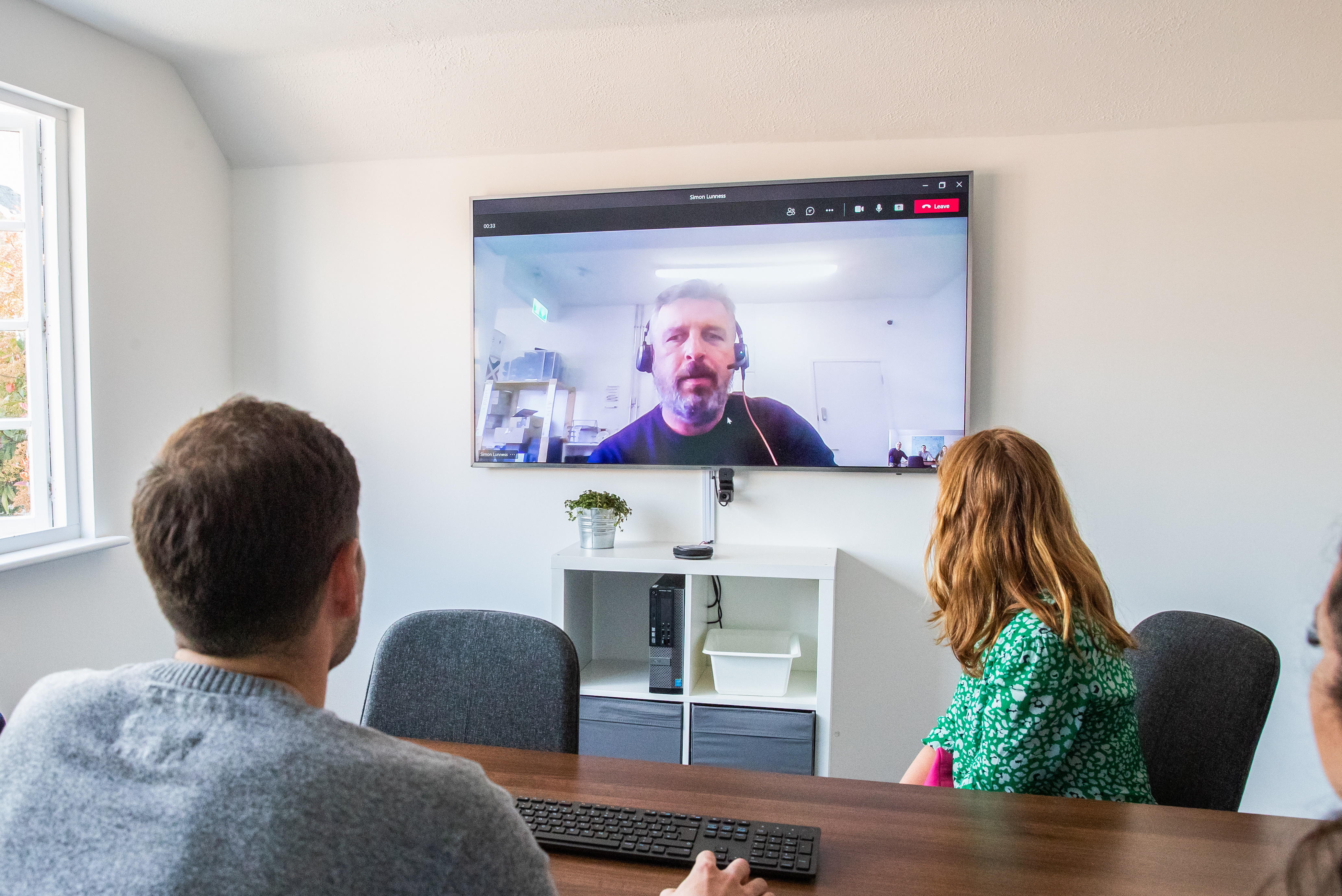
Offices are slowly reopening, but daily video-conferencing isn’t going away. After adapting to online meetings, businesses are continuing virtual collaboration, especially for small huddle rooms.
These rooms need setups that include remote participants. Companies want affordable video conferencing solutions that avoid crowding around laptops and don’t break the bank.
Even entry-level cameras from big vendors can cost close to four figures. So we explored a low-cost small business meeting room setup that works well, looks neat, and stays budget-friendly.
Why Small Business Meeting Rooms Matter
Small meeting rooms, or “huddle rooms,” allow teams to:
▪️Collaborate face-to-face while including remote staff
▪️Break the monotony of working from home
▪️Conduct focused discussions without distractions
▪️Make better decisions faster with in-person interaction
With remote working becoming more common, even a compact room benefits from proper video conferencing technology.
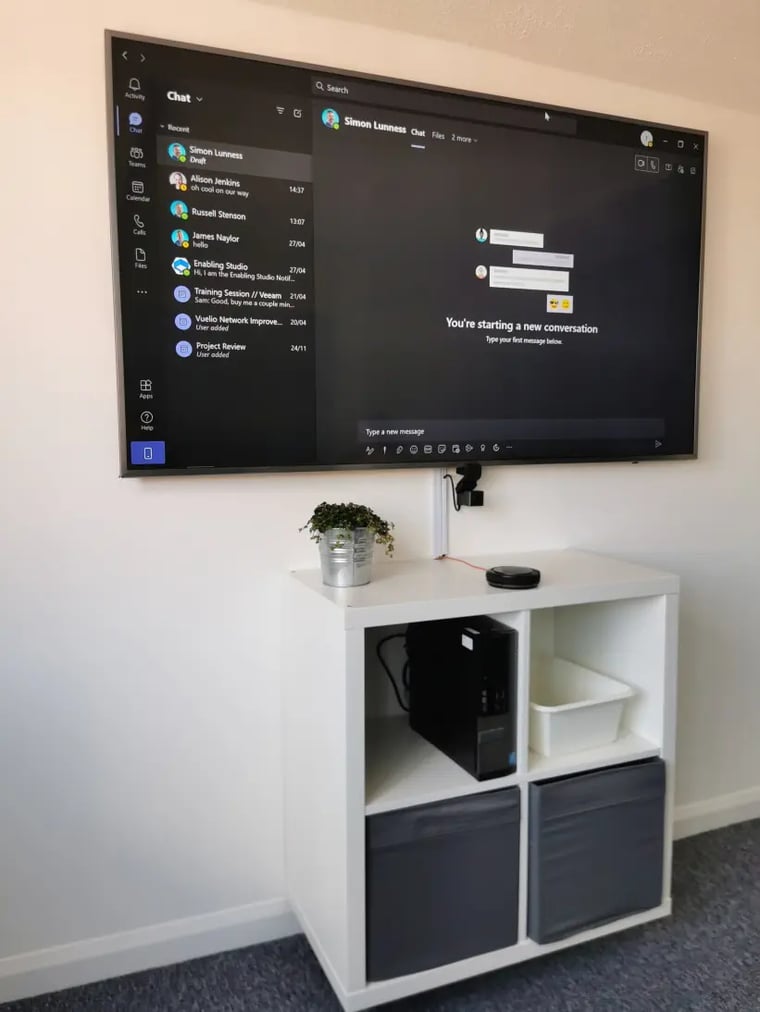
Our Budget Meeting Room Setup
Personal Computer
▪️Reuse a spare desktop. We used a Dell Optiplex 7080 (i5, 8GB RAM).
▪️Added an SSD for speed and installed fresh Windows 10.
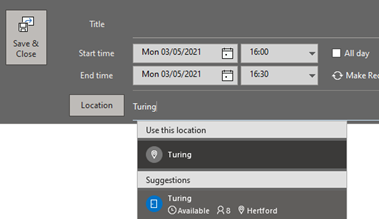
Microsoft Teams
▪️Full license meeting room account.
▪️Auto-start and auto-sign-in.
▪️Can be invited as a “location” in Outlook for seamless scheduling.
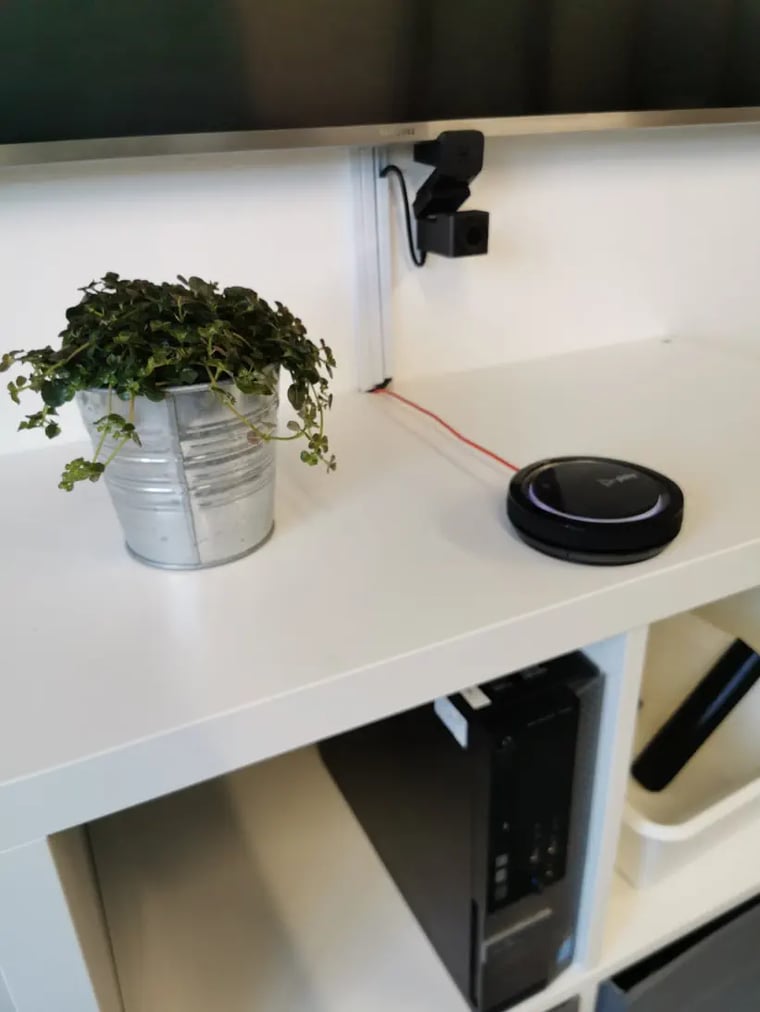
Webcam
▪️Huddly Go: 150° lens, captures 4–5 people, easy software controls.
▪️Wide field of view ensures everyone at the table is visible.
Speaker & Microphone
▪️Plantronics (Poly) Calisto 3200: USB device, 360° clear audio, Teams compatible.
▪️Rich sound ensures remote participants hear and are heard clearly.
All components connect to an existing display. Total cost: under £500. A wall-mounted Ikea console (£30) keeps it organised and professional
Tips for Setting Up a Small Business Video Conferencing Room
▪️Lighting Matters – Position lights in front of participants, not behind.
▪️Keep the Room Minimal – Avoid clutter that distracts the camera or causes echo.
▪️Test Audio and Video – Run a trial meeting to check volume, clarity, and camera angle.
▪️Use Wall-Mounted Consoles – Saves space and keeps equipment tidy.
▪️Label Cables and Ports – Makes setup simple for anyone using the room.
Frequently Asked Questions
Q: Can this setup work for larger rooms?
A: Yes, but for bigger spaces you may need a higher-end camera or additional microphones.
Q: Is Teams necessary?
A: Teams works best for integration with Outlook and office environments, but Zoom or Google Meet can also work.
Q: Can I use a laptop instead of a desktop?
A: A laptop can work, but desktops are ideal if repurposing old equipment, saving cost, and providing a stable setup.
Ready to upgrade your small business meeting room on a budget with this practical, low-cost setup. It’s efficient, clear, and ready to handle both in-person and remote meetings?
Contact us today or email us at info@itbuilder.co.uk or message us on WhatsApp at +44 333 344 098 to chat directly with our team and we’ll help you set up a practical, low-cost video conferencing solution
James Naylor
James Naylor is ITbuilder's CTO and Founder. He has worked in technology since the early nineties and, after a decade in the corporate world, went into business himself.
James has lead ITbuilder for over two decades, building the business into the force that it is today, but is still a technician at heart and still very hands on with tech.
Despite growing up in Hertfordshire, James lived in the Netherlands for five years as well as London, before returning and setting up the base in Hertford, where he lives today.
More articles from James Naylor