Running a small or medium-sized business in the UK often means wearing multiple hats. Admin tasks pile up, emails dominate your day, and meetings can feel endless. What if your team could spend less time on repetitive work and more time on tasks that actually drive your business forward?
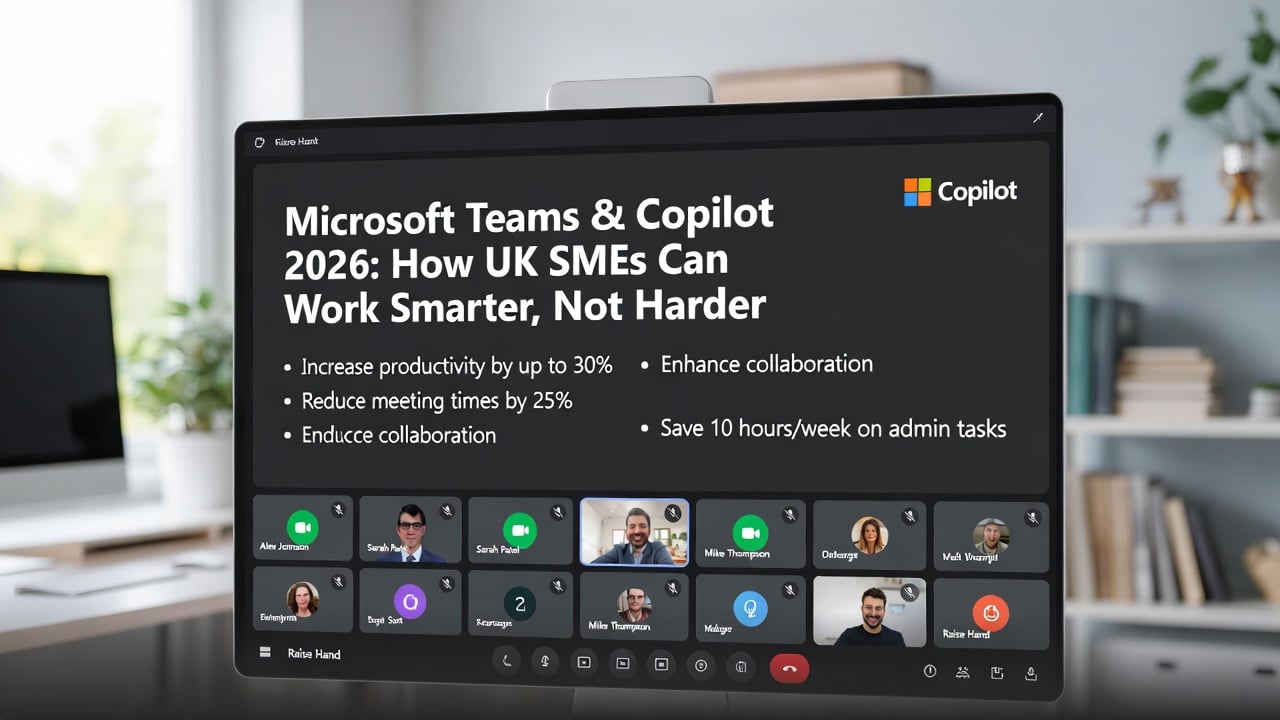
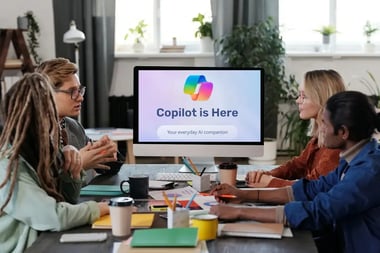
With Microsoft Teams and the new Copilot AI assistant, this is no longer just a wish - it’s a reality. Copilot is embedded directly in the apps your team already uses - Word, Excel, Outlook, Teams, and PowerPoint - helping you streamline workflows, save time, and work smarter.
Why Teams + Copilot Matters for SMEs
Many UK SMEs still use Teams mainly for chat and meetings, missing out on its full potential. Combined with Copilot, Teams can help your team:
🔹Draft emails, documents, and reports automatically
🔹 Analyse Excel data and create charts in minutes
🔹 Summarise meetings and generate actionable task lists
🔹 Reduce repetitive admin and focus on high-value work
🔹 Keep work secure within Microsoft 365 while leveraging AI
By adopting Teams strategically, SMEs can cut hours of manual work, improve productivity, and deliver faster, smoother service to clients.
Top Tips for Using Teams Like a Pro
1. Streamline Communication
🔹 Use channels for projects to keep conversations organised
🔹 Pin frequently used chats for quick access
🔹 Use @mentions and tags to alert the right people
2. Automate Repetitive Workflows
🔹 Set up Power Automate flows for approvals, reminders, and document routing
🔹 Save time by automating notifications and recurring tasks
3. Let Copilot Do the Heavy Lifting
🔹 Draft emails, presentations, and first-pass reports
🔹 Analyse spreadsheets and summarise data automatically
🔹 Generate meeting summaries and action lists in Teams
4. Optimise Meetings
🔹 Schedule using templates and agendas
🔹 Record meetings and let Copilot summarise key points
🔹 Reduce ad hoc meetings with clear task tracking
5. Track Tasks & Projects Efficiently
🔹 Use Planner or Tasks by To Do for assignments
🔹 Sync tasks across Teams and Outlook for visibility
🔹 Monitor progress with dashboards and notifications
Common Pitfalls SMEs Face
Even with the right tools, many SMEs don’t see the full benefits of Teams + Copilot because:
🔹 Licences aren’t optimised for Copilot and advanced features
🔹 Workflows are inconsistent across teams
🔹 Teams lack guidance on AI adoption and data governance
🔹 Avoiding these pitfalls is crucial to unlock the productivity dividend that Copilot offers.
Ready to See Teams & Copilot in Action?
You can now request the recording of our webinar held on 16 March 2026, where we walked through the key questions SMEs are asking about Microsoft 365 Copilot, Business Premium, and the upcoming 2026 Microsoft licensing changes.
In this session, a Microsoft Consultant shared practical insights on:
🔸How SMEs should approach Copilot adoption
🔸 What the 2026 pricing changes actually mean
🔸 Why Business Premium is becoming essential for security and productivity
🔸 How to improve device security with Intune and Conditional Access
🔸 What makes certain AI prompts unsafe - and how to avoid them
🔸 Real Q&A with actionable guidance for UK businesses
Next Steps to Prepare Your SME for 2026
Review your current Teams setup
🔹 Are channels, apps, and tasks organised for maximum efficiency?
🔹 Consider using Copilot Chat or full M365 Copilot to streamline workflows.
Enable Copilot where possible
🔹 Let AI handle repetitive work, draft emails, analyse spreadsheets, and summarise meetings.
🔹 Explore the Copilot Adoption Pack and Professional Services Readiness Pack for practical checklists, feature comparisons, and guidance for Business Premium upgrades.
Plan licence upgrades
🔹 Ensure you have the right Microsoft 365 plan, including Business Premium, for advanced security, compliance, and AI capabilities.
🔹 Funding for Copilot seats can offset costs and even cover one-time optimisation projects.
Book Your Microsoft 365 Readiness Assessment
🔹 Get personalised guidance to ensure your business is fully prepared for the July 2026 updates.
Get personal guidance
🔹 📩 Email us at info@itbuilder.co.uk
🔹 📱 WhatsApp: +44 333 344 098
Security & Compliance Note: Business Premium and Copilot follow Microsoft’s Responsible AI principles and Enterprise Data Protection standards, ensuring your data stays secure and your AI workflows are ethical and compliant.
Protect your business, unlock productivity, and stay one step ahead of AI-driven workflows and cyber risks.